Introducing ReadySet
ReadySet is a VR simulation, tailored for retail environments, empowering product manufacturers and retailers to innovate, iterate, and excel in a dynamic 3D realm. I was tasked with creating a visual identity for the application, balancing the demand for realism, the stringent performance standards for stable VR experiences, and accommodating quick timelines for users to maximize iterations in field research.

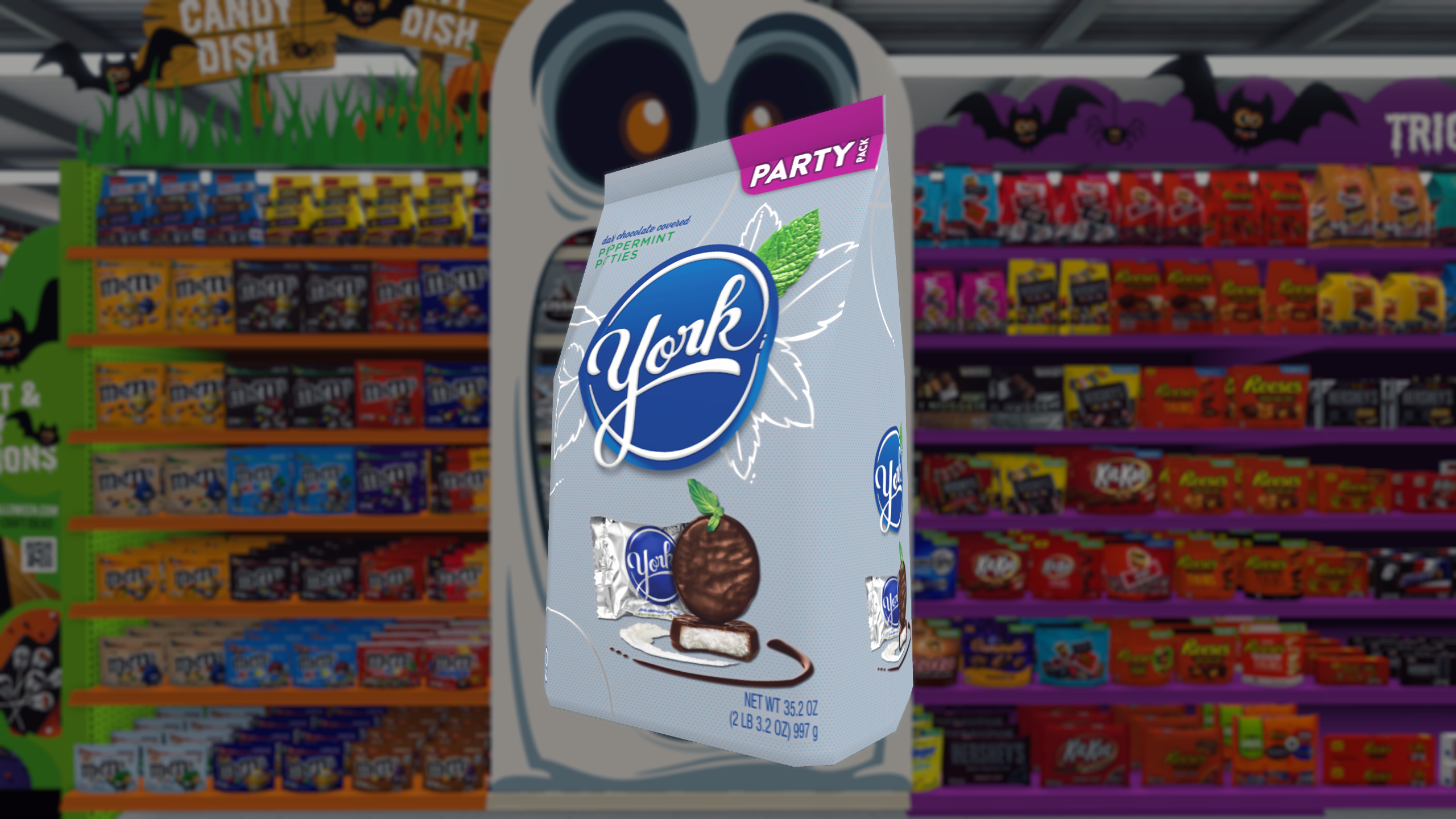
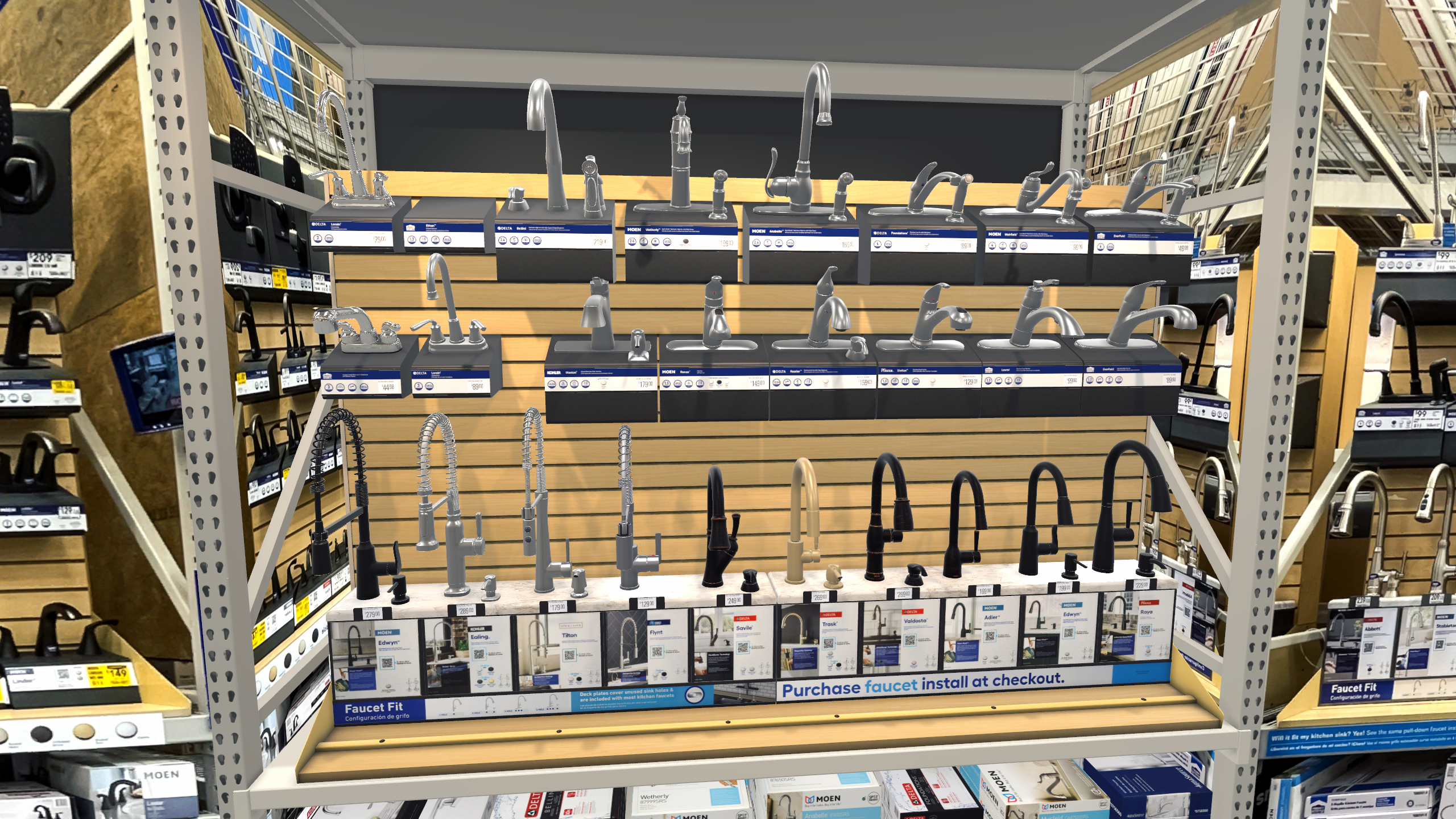
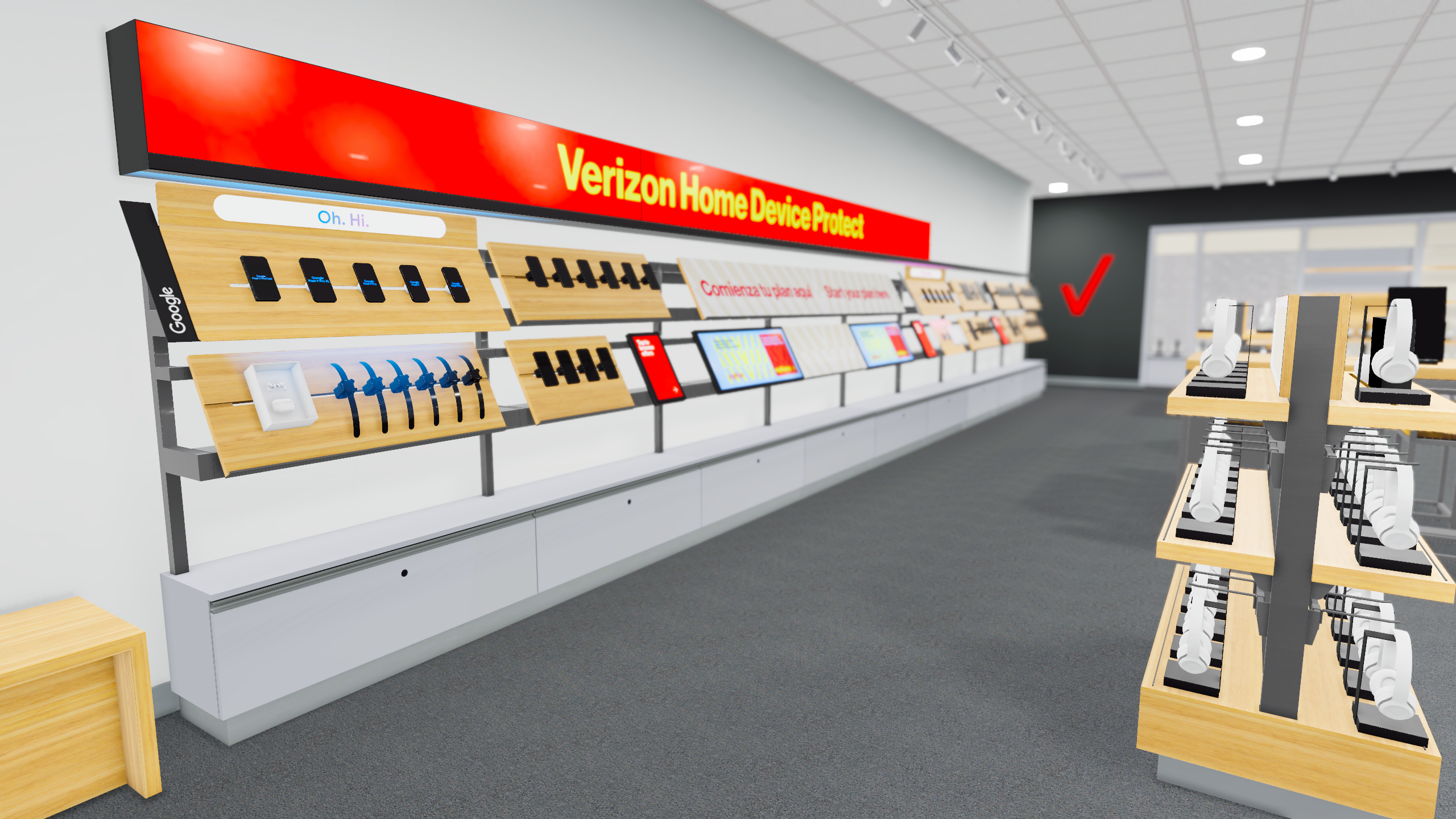
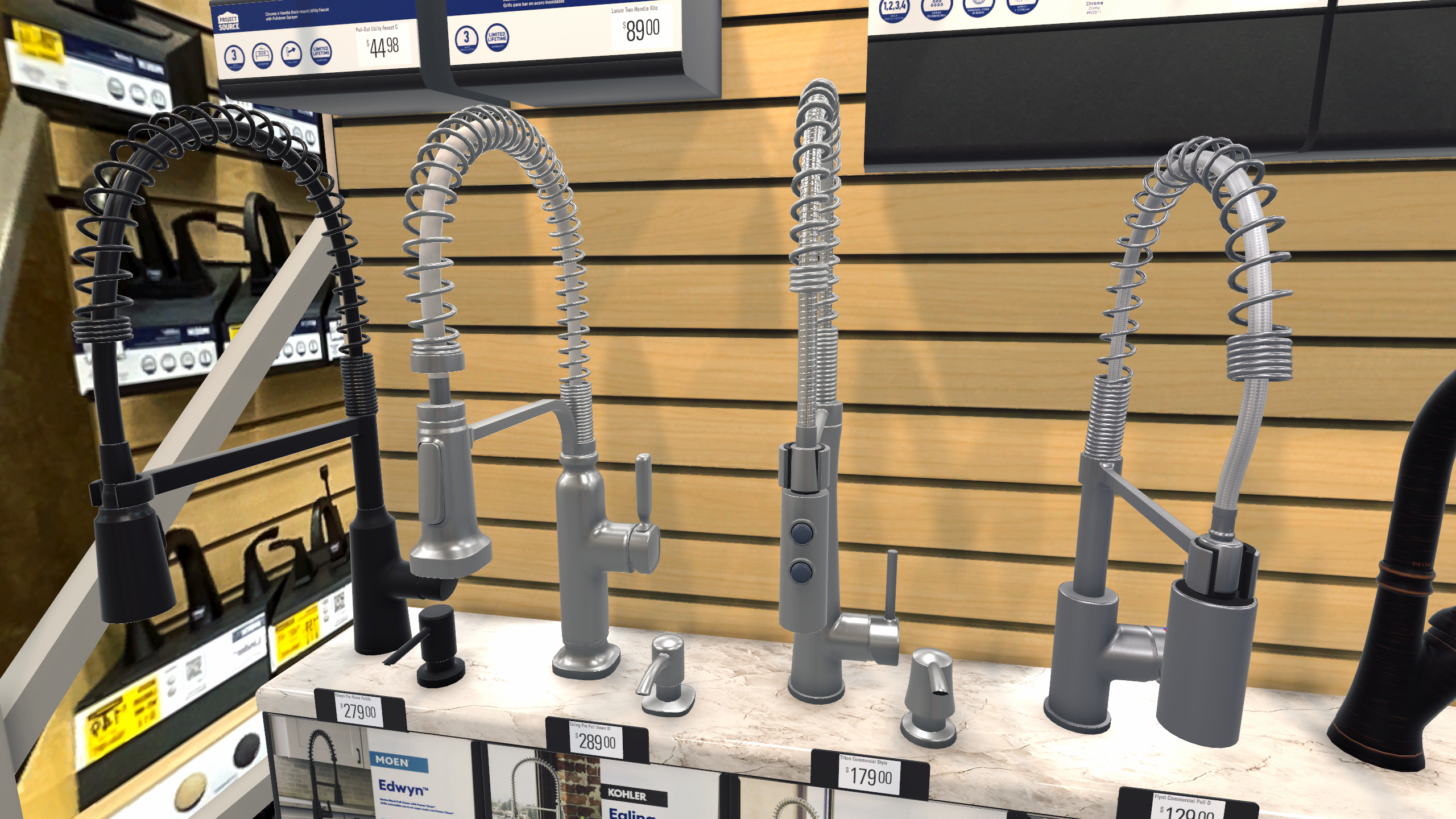
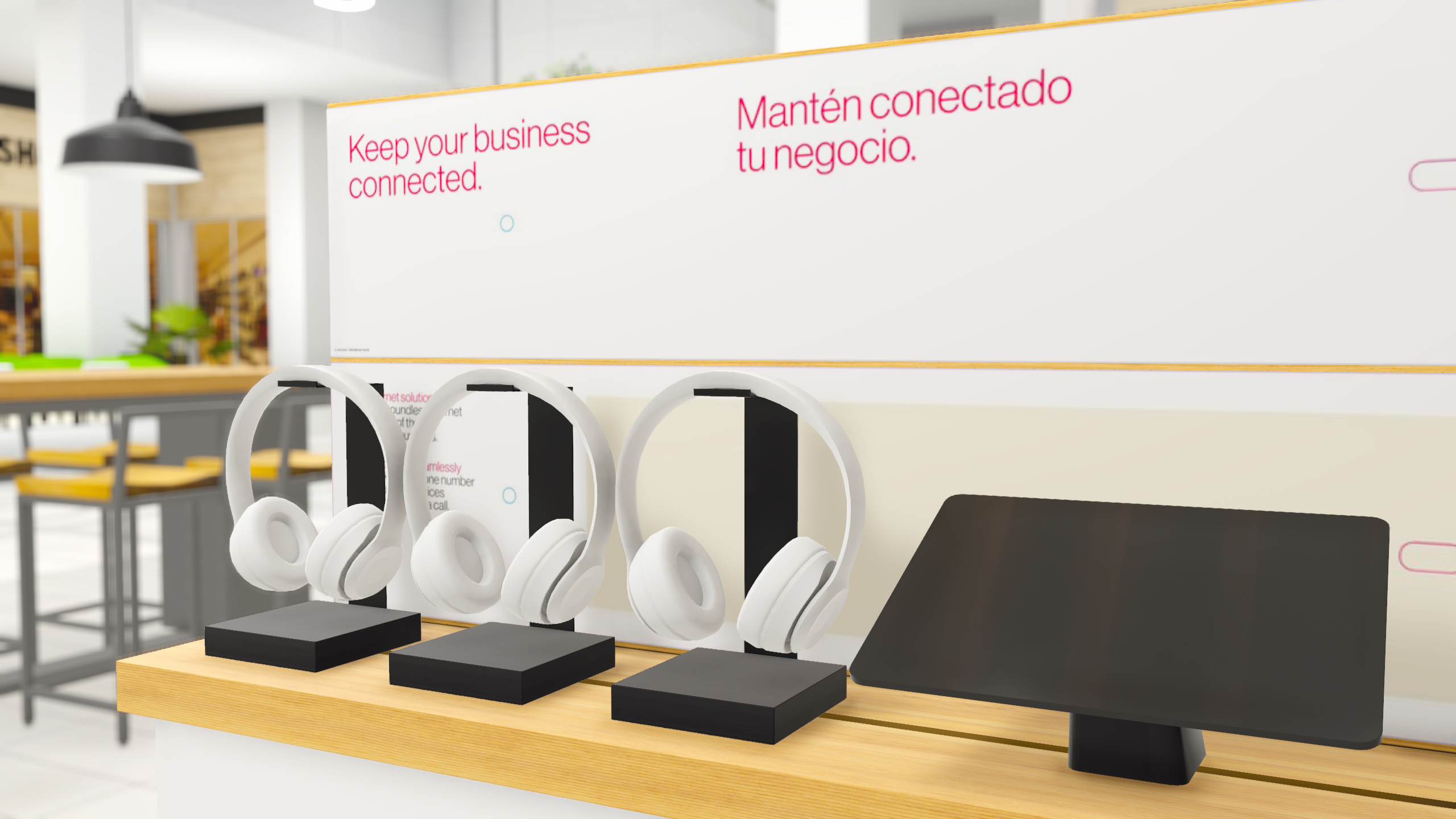
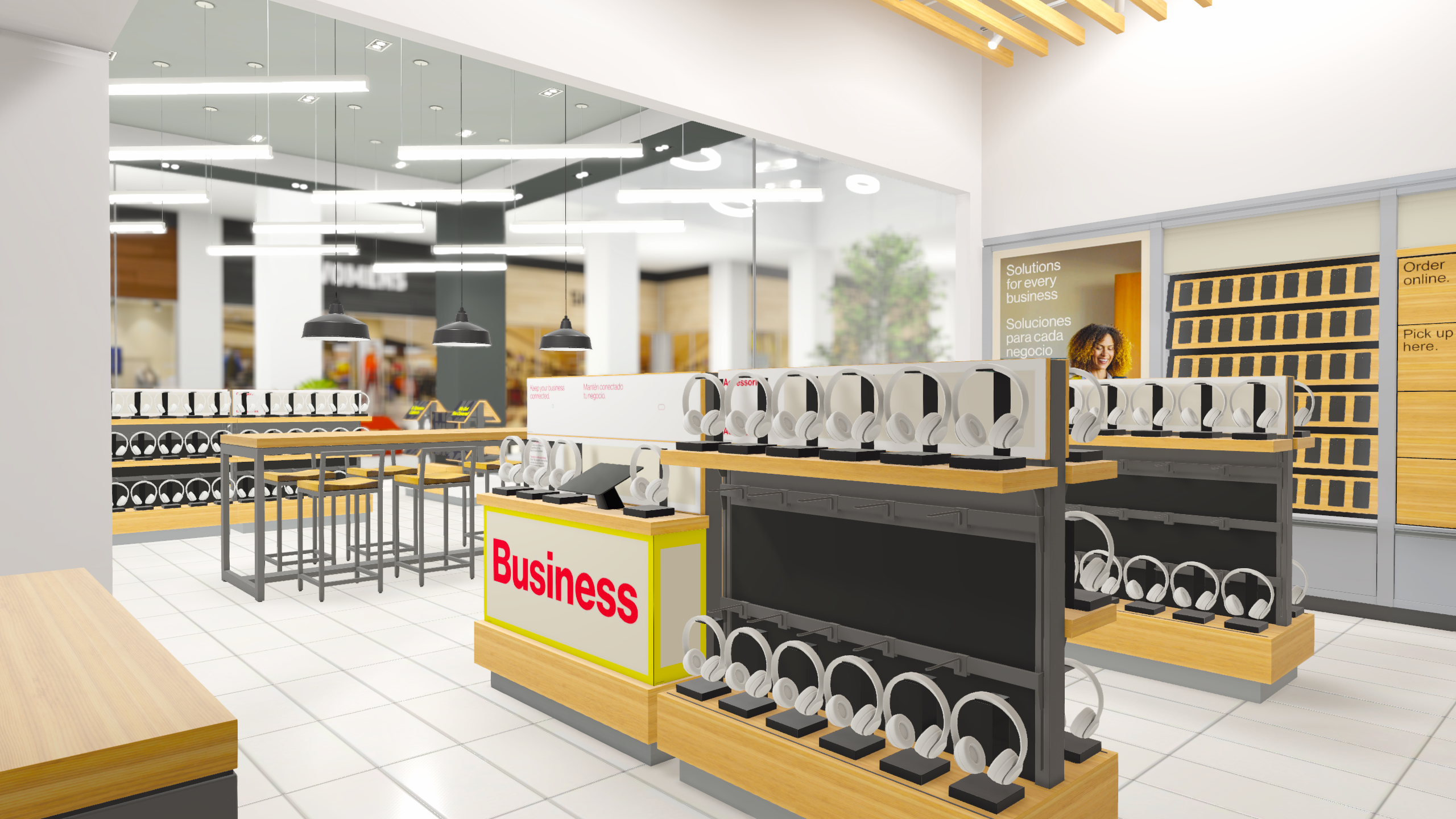
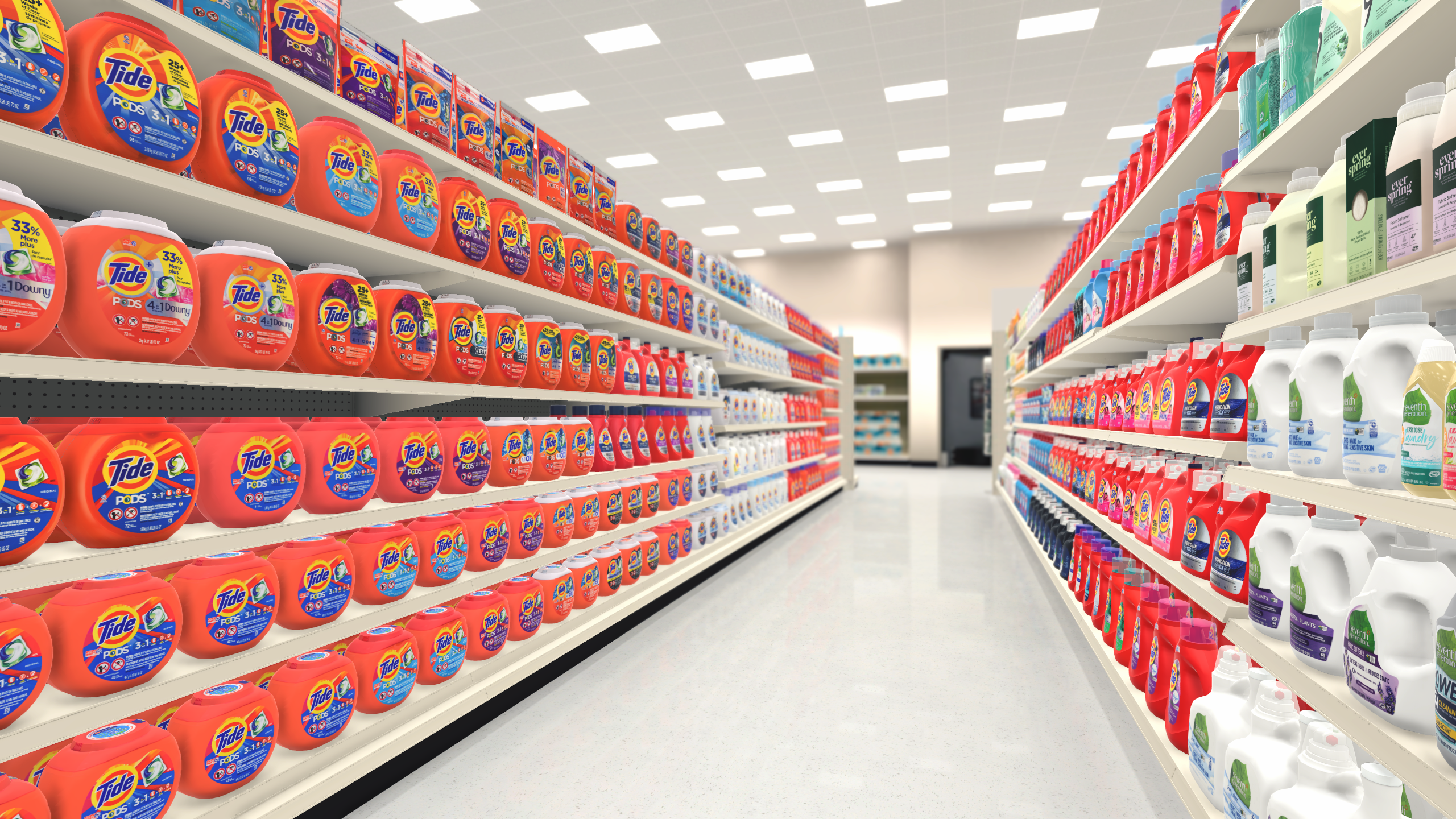
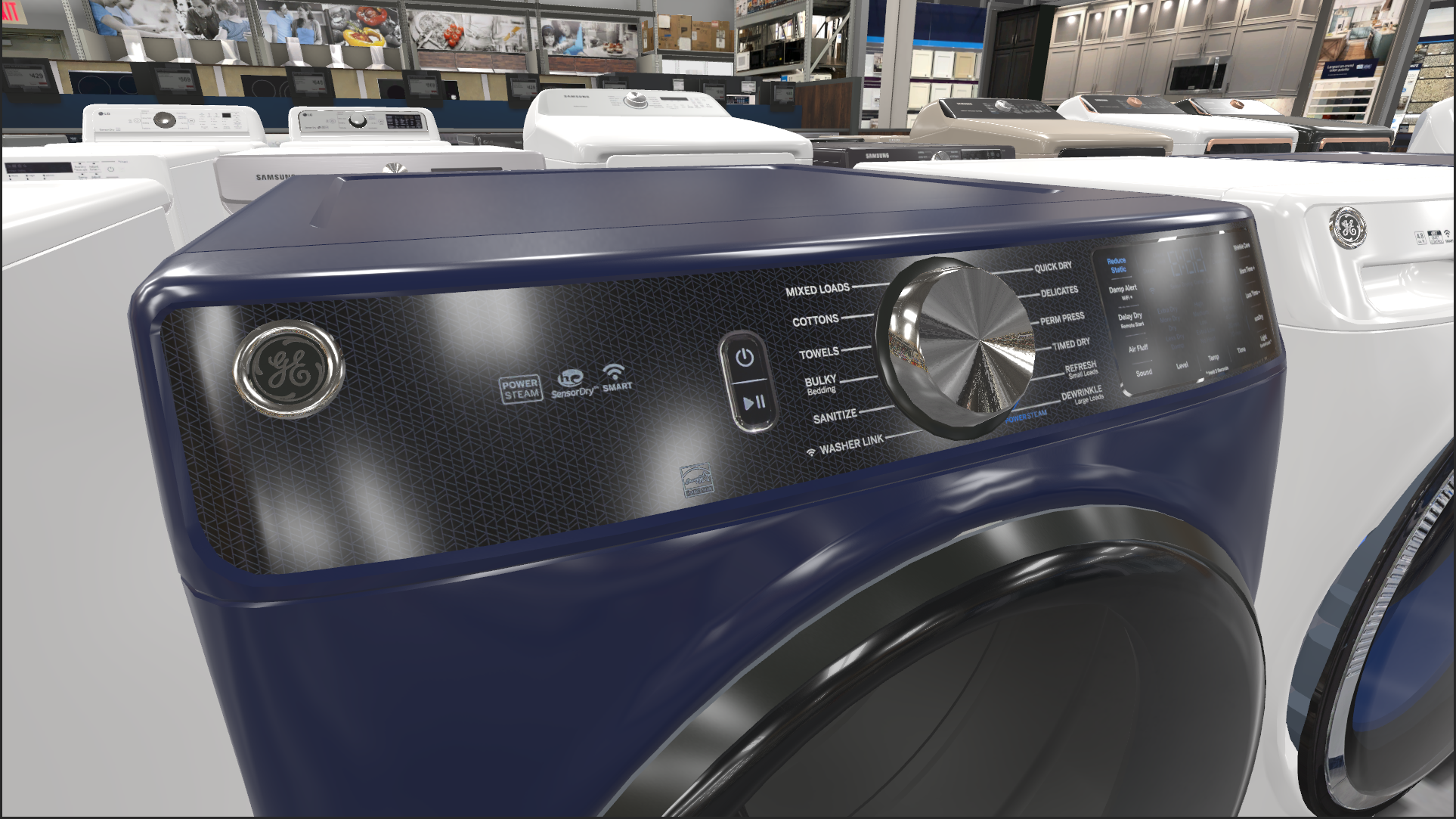
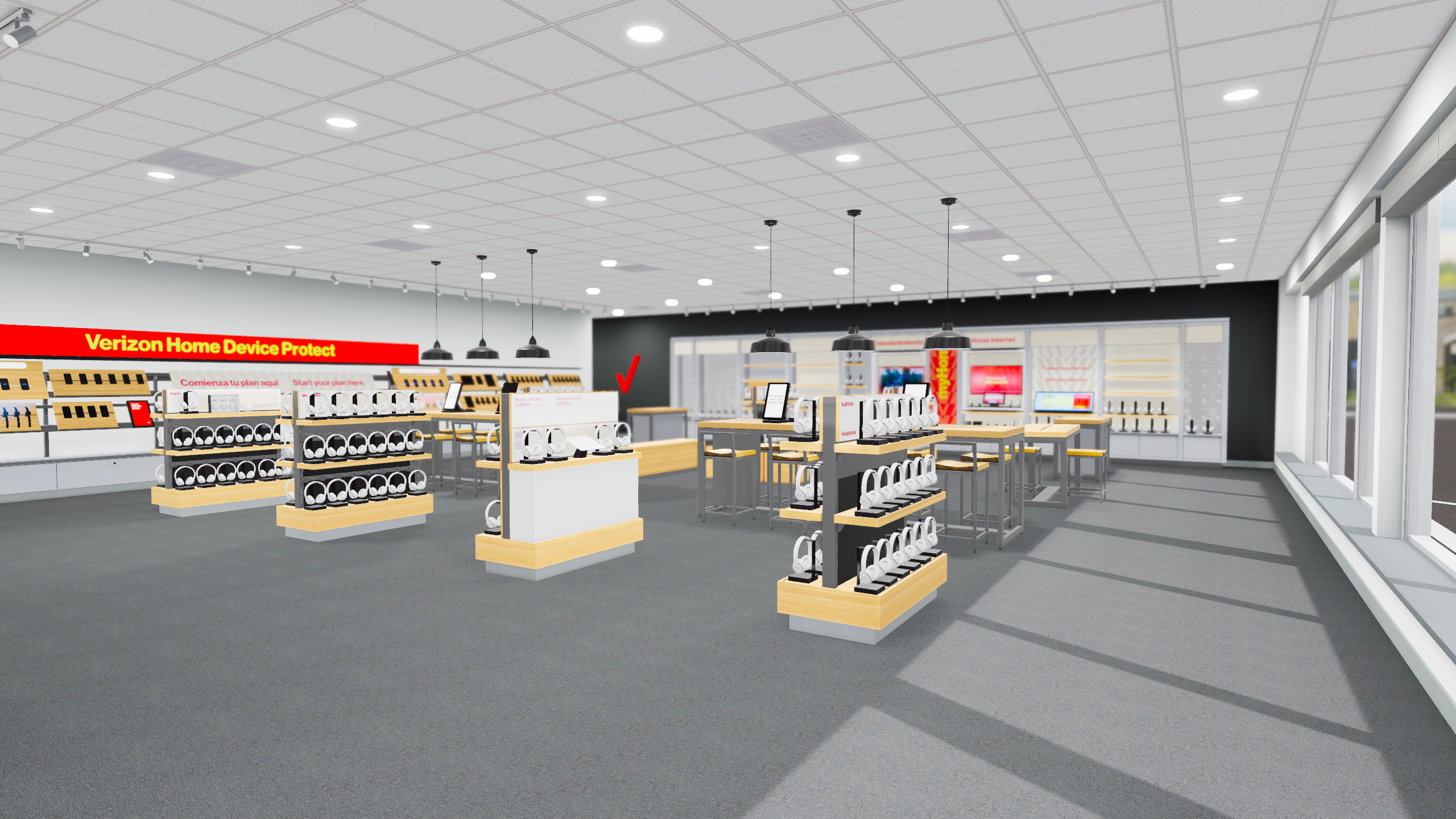
When I joined ReadySet as its first Technical Artist, the platform had already been in existence for several years. Operating with only developers and 3D modelers, the primary focus had been on functionality and the creation of tens of thousands of assets. However, it was evident that there was room for enhancements in the visual experience and better communication between the two teams. My role was pivotal in improving many of those area and acting as a bridge between the two disciplines.
Performance Enhancements
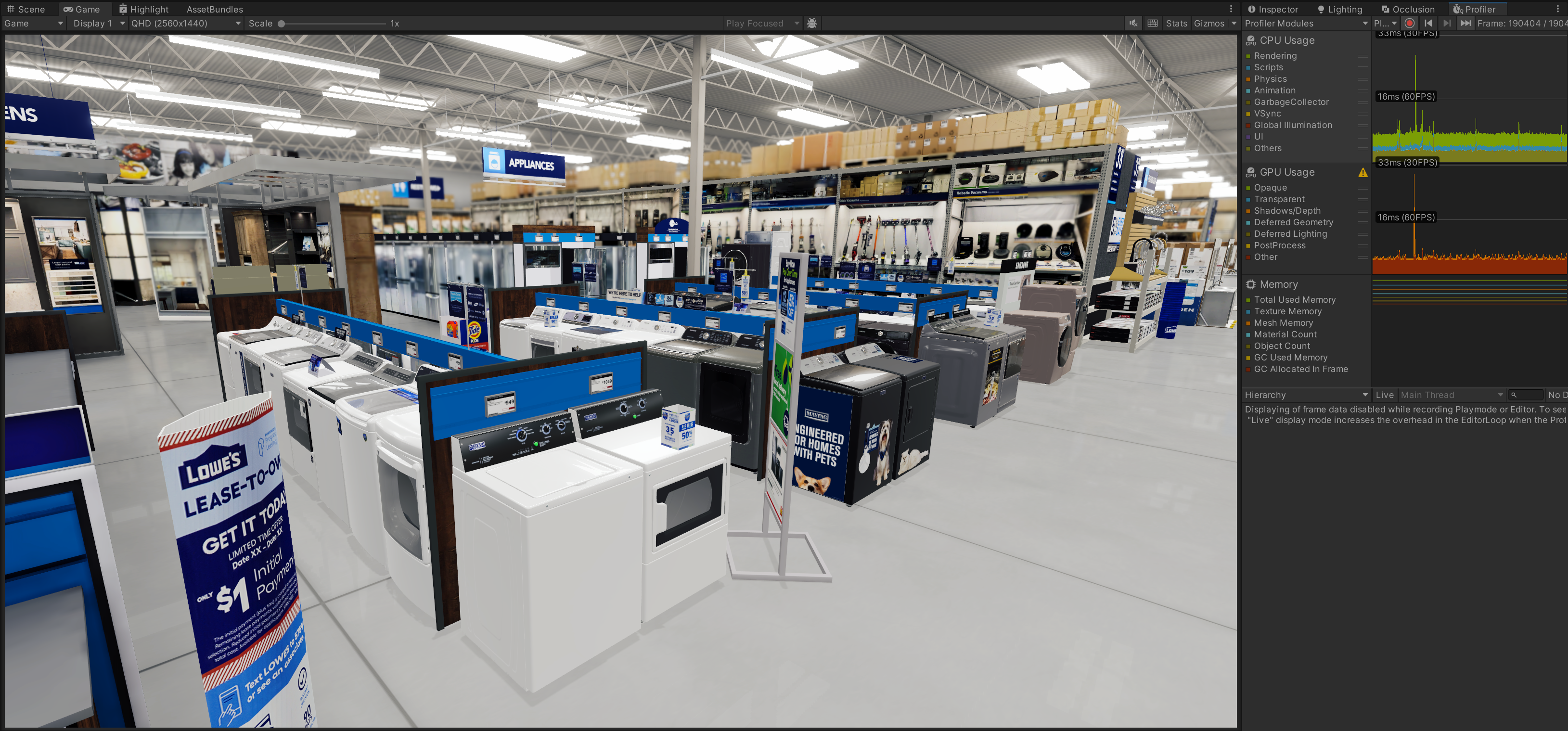
With users navigating aisles spanning from 16 to 80 feet with thousands of interactable objects, optimizing ReadySet was crucial. My process included migrating the project to the Universal Render Pipeline (URP), implementing a custom occlusion culling system, utilizing AMD’s FidelityFX Super Resolution (FSR) upscaler, and leveraging GPU instancing for duplicate products. These efforts yielded results, the most demanding files improved from an average of ~40 FPS to upwards of 100 FPS.
Lighting & Shading
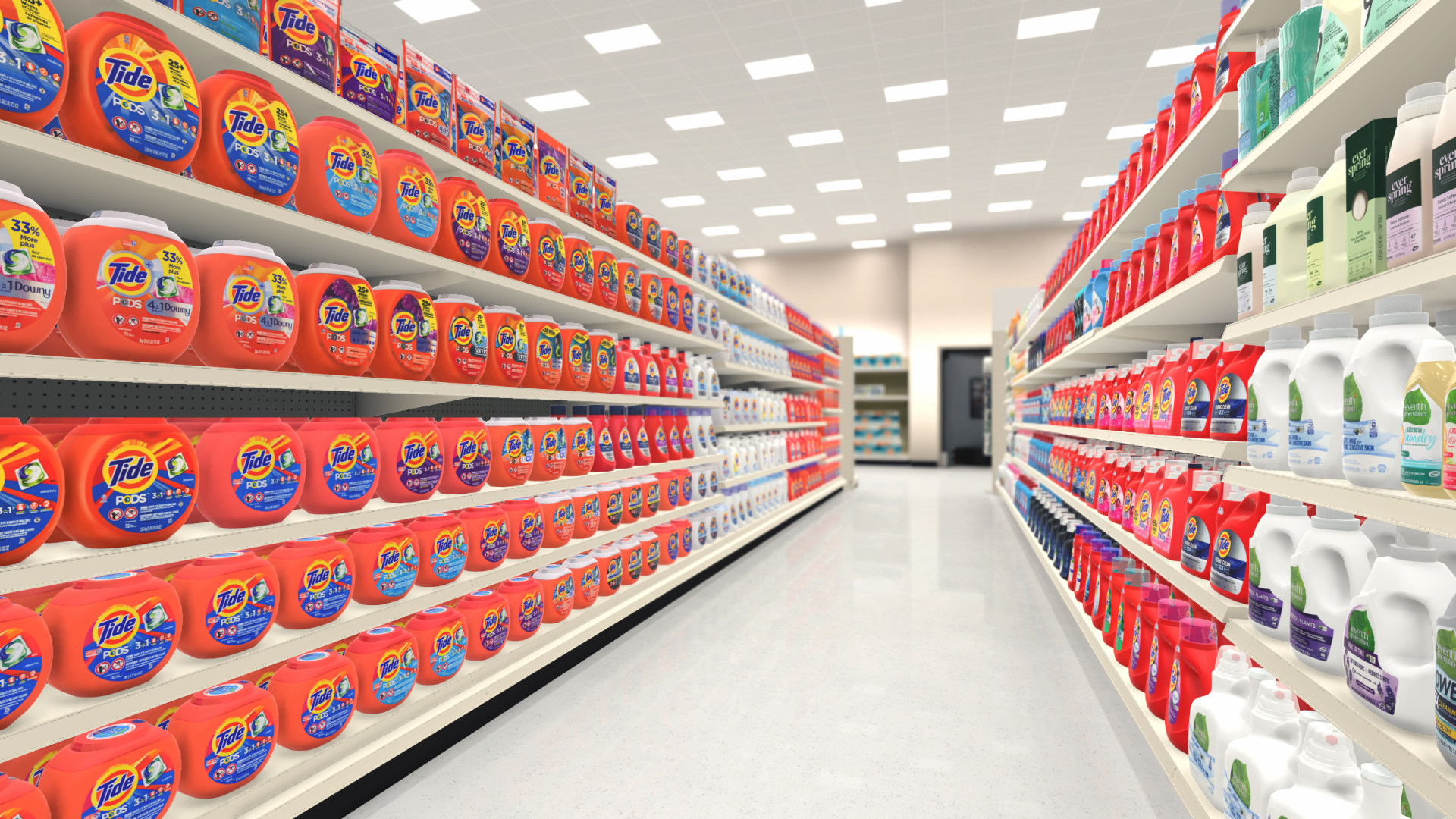
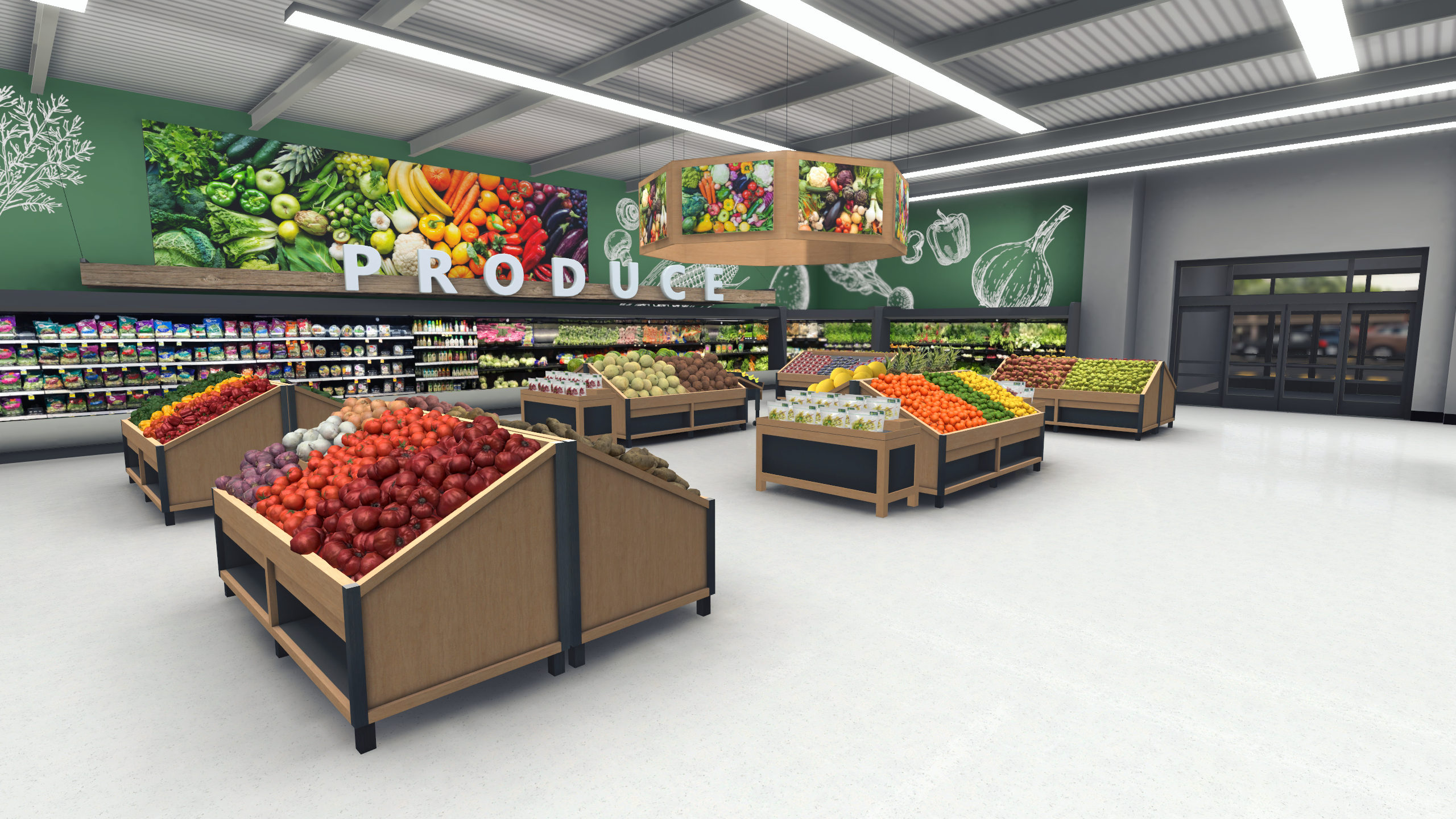
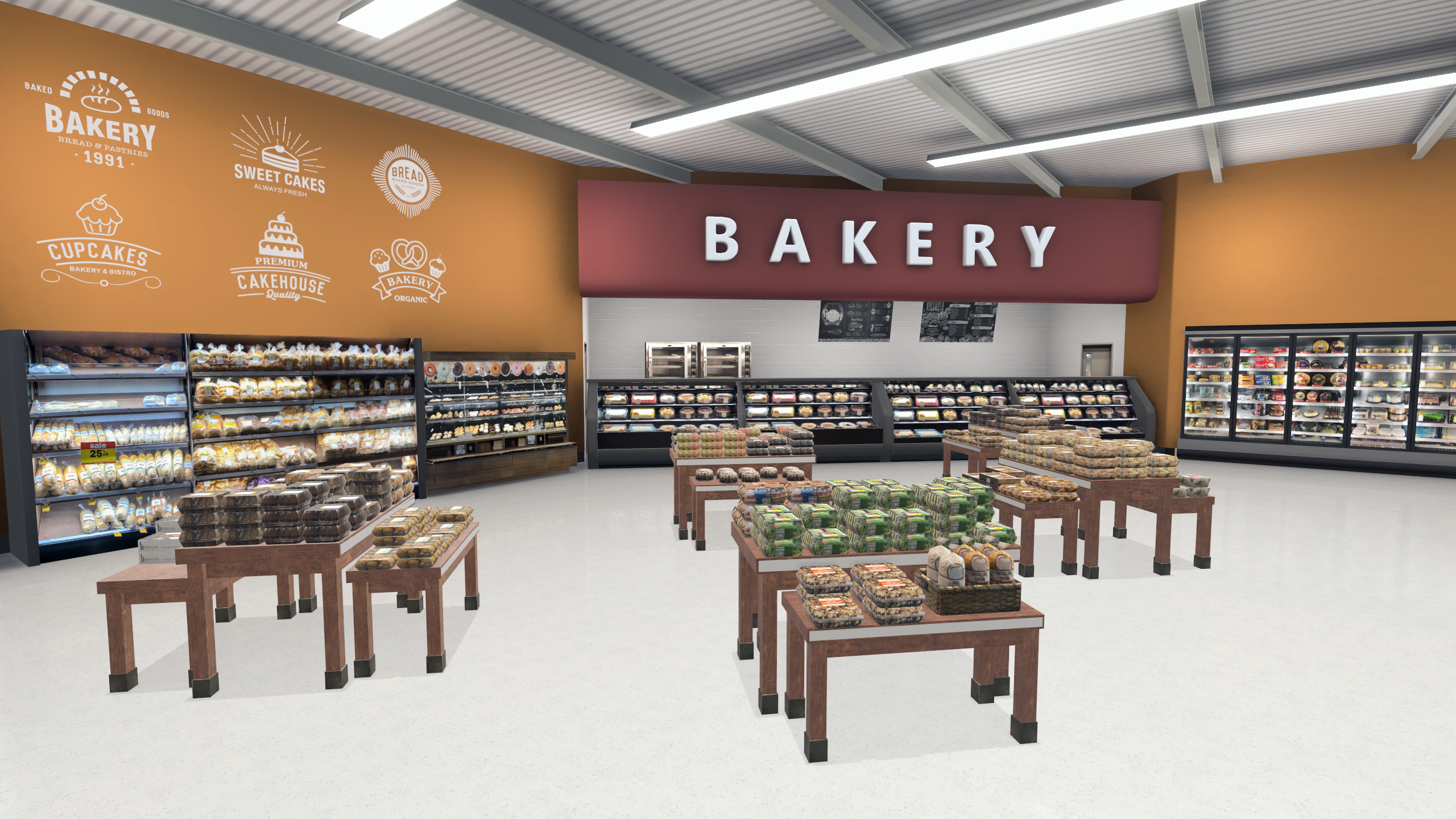
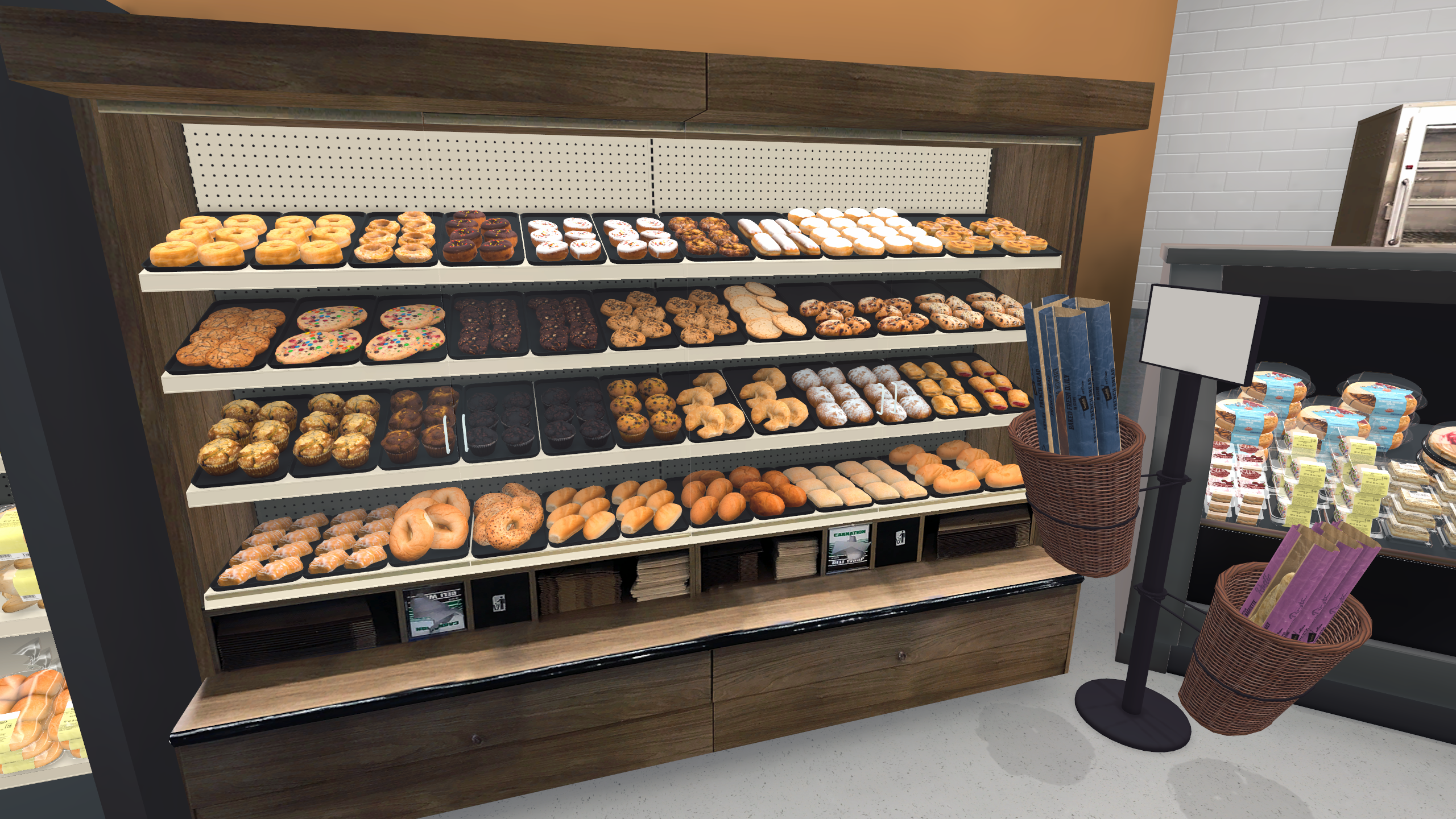
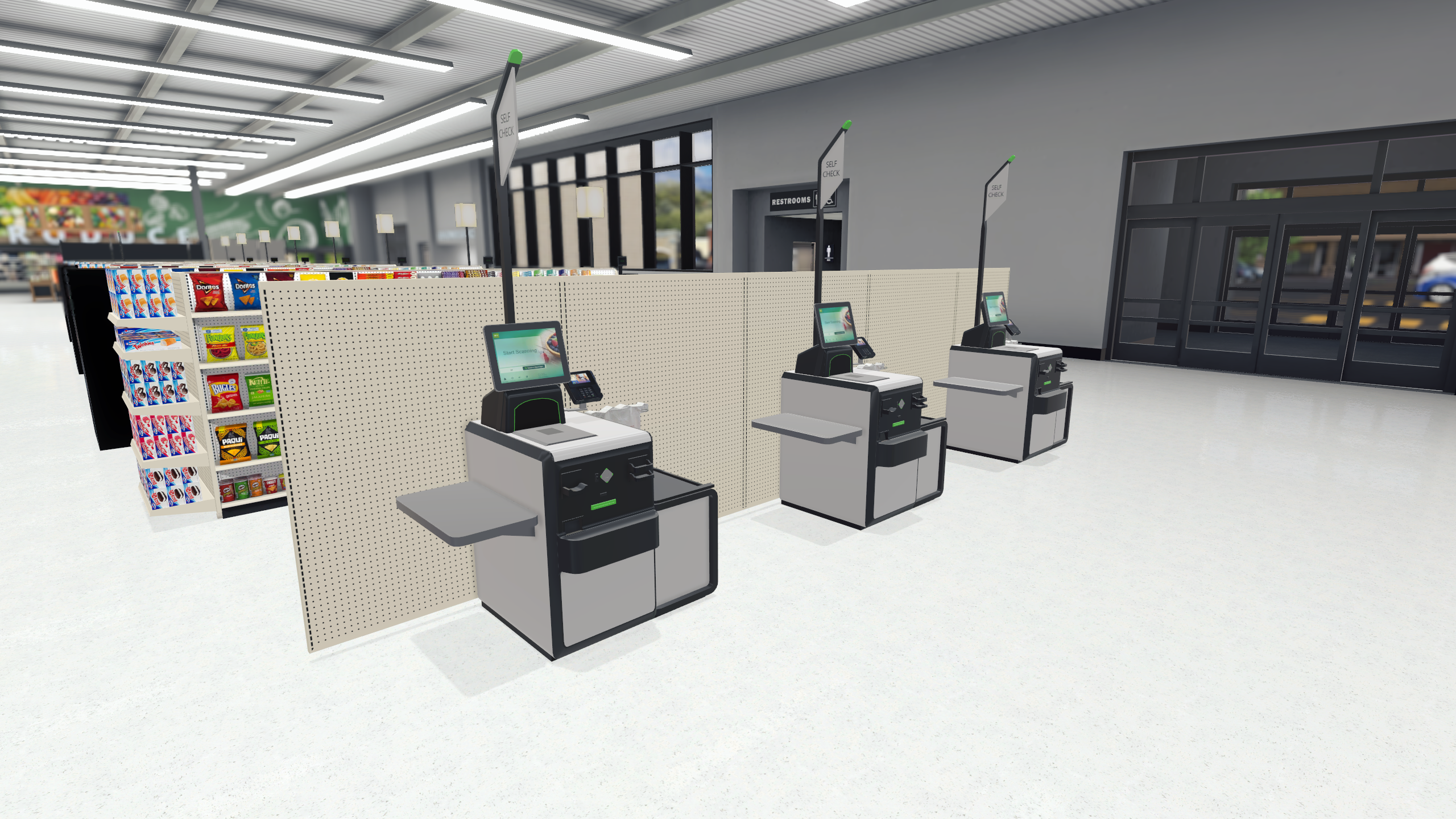
Following optimization efforts, we unlocked bandwidth within our frame time to spend on improving visual fidelity. I elevated the graphical immersion with the integration of real-time shadows, screen-space ambient occlusion, planar reflections, anti-aliasing, and post-processing effects like bloom and color grading. The result was a transformative leap in realism with new quality settings to ensure we did not alienate less powerful hardware.
Tools & Pipeline Assistance
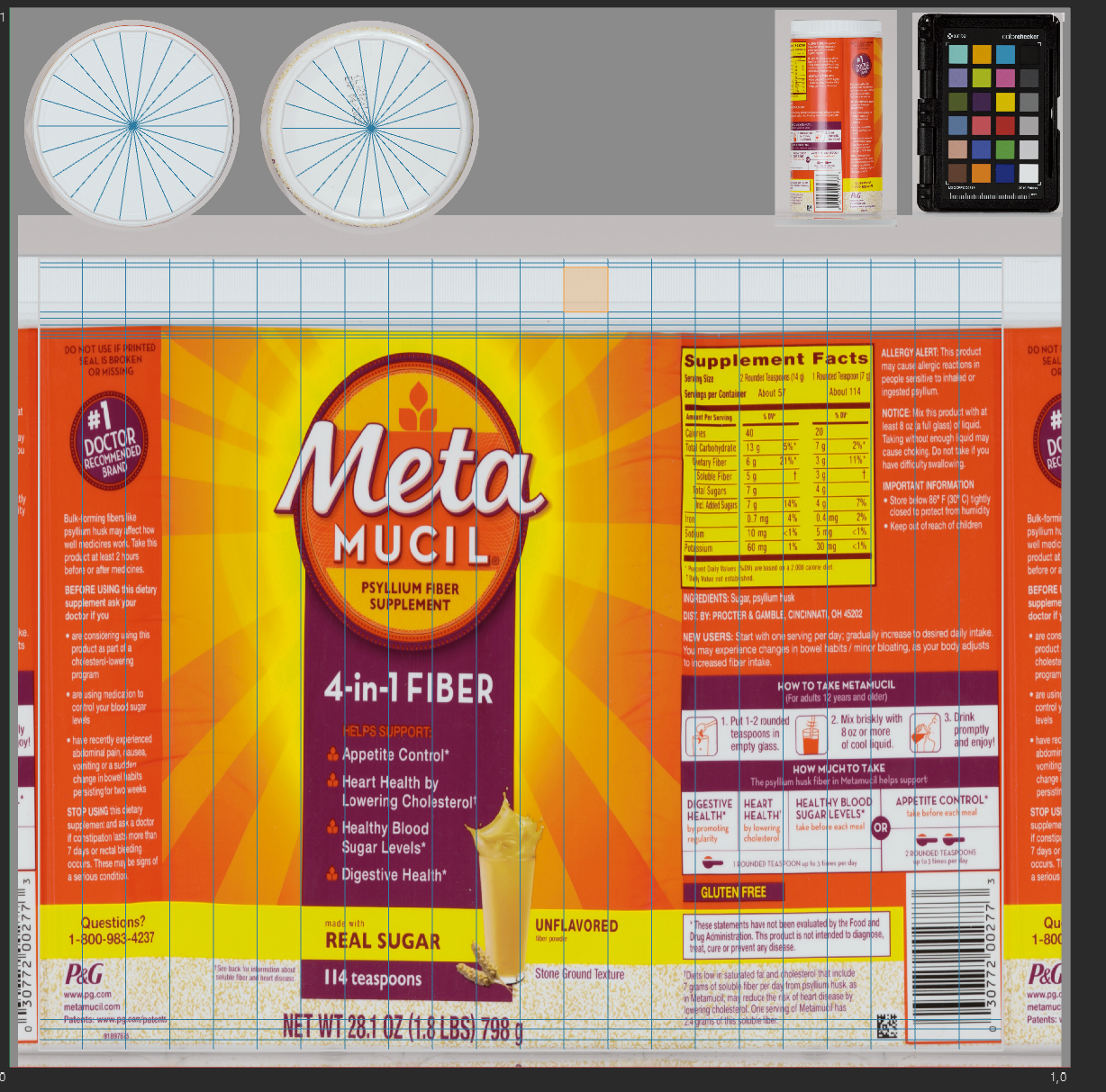
The asset export pipeline presented a significant hurdle with its inflexible structure. Artists were bogged down in naming conventions for models and textures, tedious checks for UV wrapping, and strict adherence to object parenting guidelines. This impeded creativity and productivity as artists juggled hundreds of products weekly. I took the initiative to develop a suite of Python-based tools, allowing artists to breeze through their tasks with a single click.
These tools include:
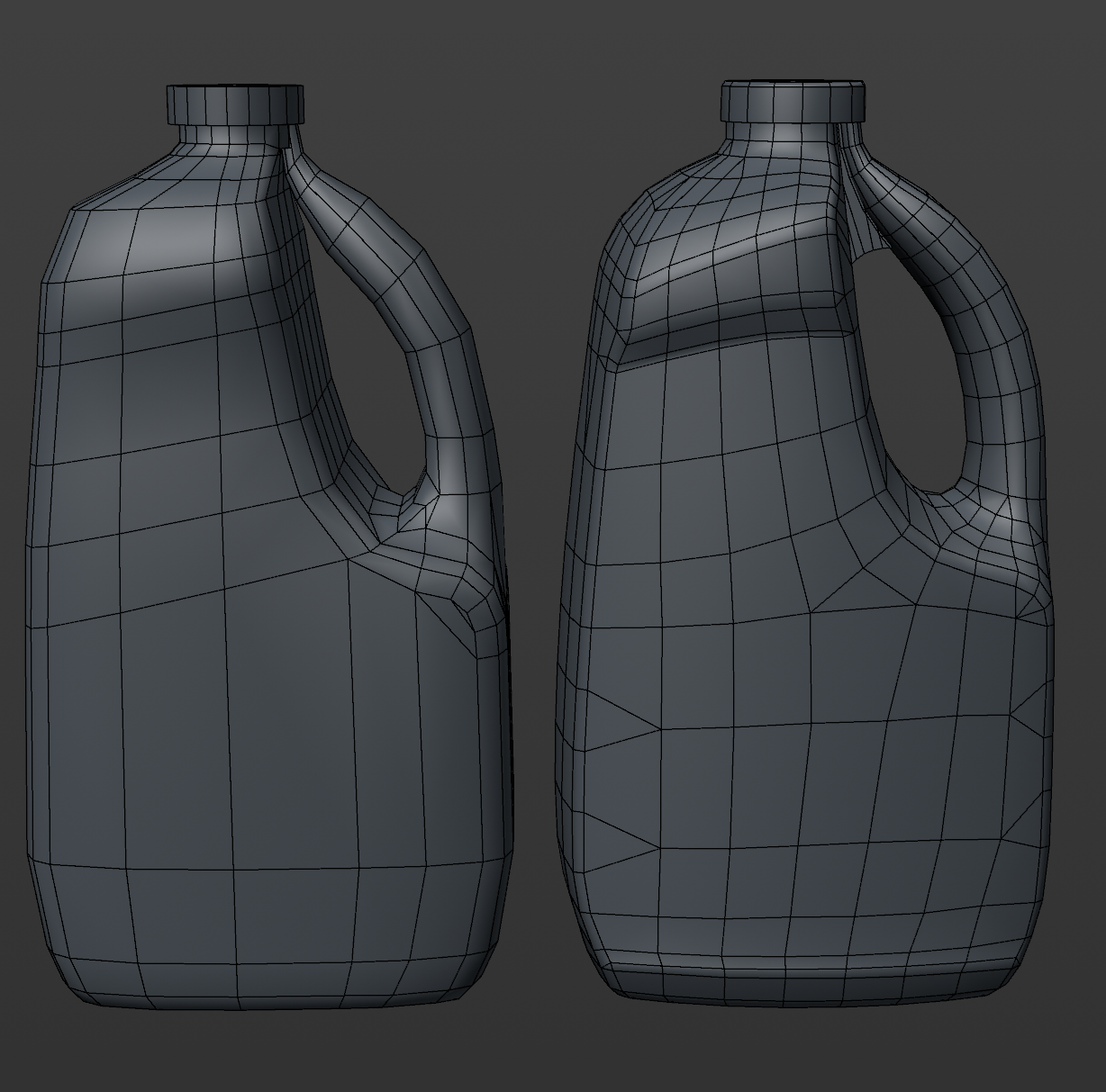
- Custom made primitive objects, allowing repeated shapes like bags, curved bottles, and candy bars to be made in seconds.
- Pre-export check, ensuring that models and textures follow naming convention, have centered axes, and have no unoptimized geometry/unused points. This also automatically added all asset information to a database, ensuring all assets were accounted for.
- Custom atlas baker, allowing for dozens of objects to have their textures baked onto one atlas – quickly saving on memory when needed for stringent platforms like mobile or WebGL.
More assistance came through creating new pipelines, helping the team use photogrammetry and 3D scans to create models faster and streamline the creation of lower quality LODs.
Before & After Examples
Shadows and Ambient Occlusion
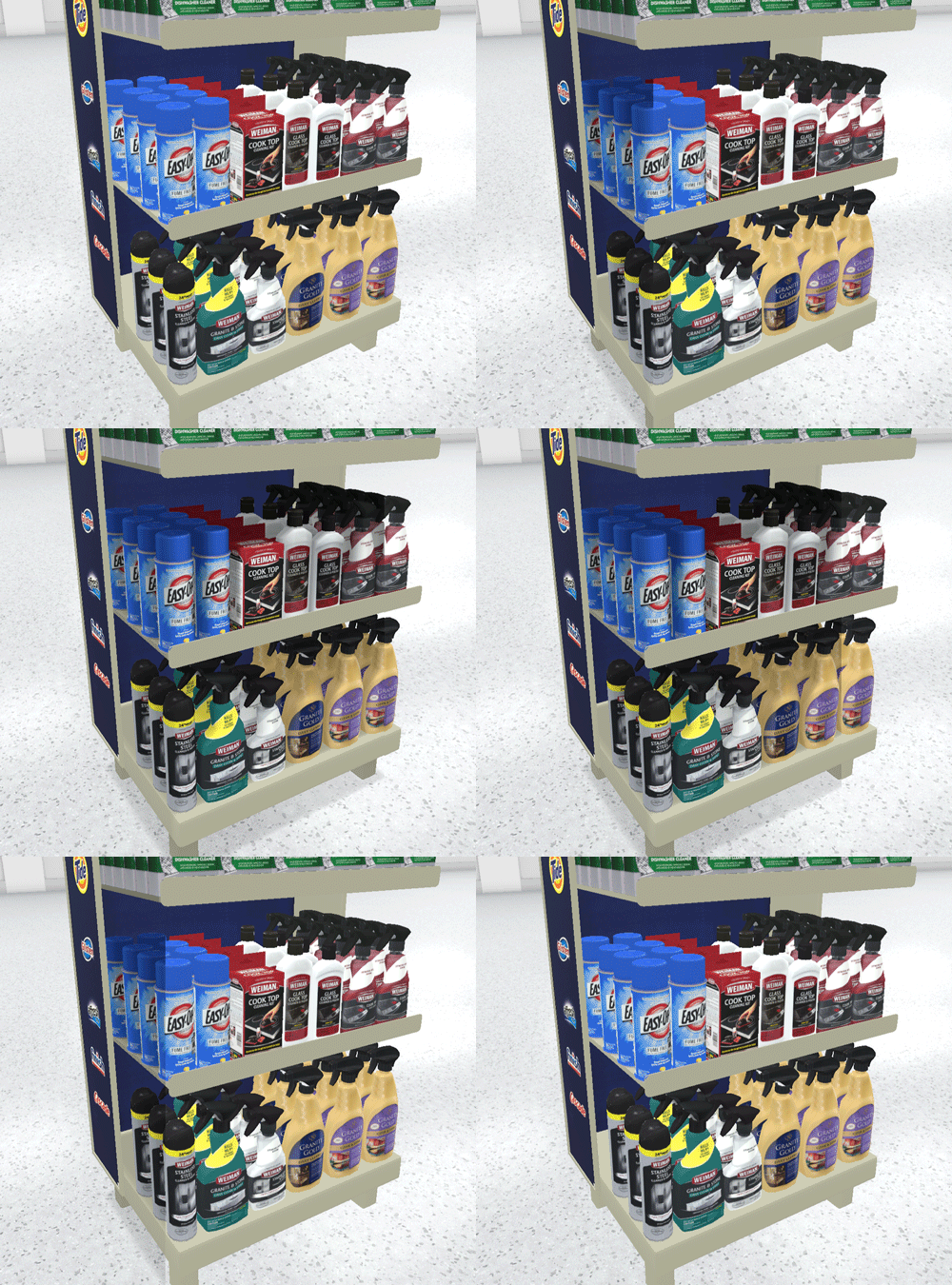
Adding real time shadows and ambient occlusion allowed for players to have a more accurate perception of depth.
Normal Maps
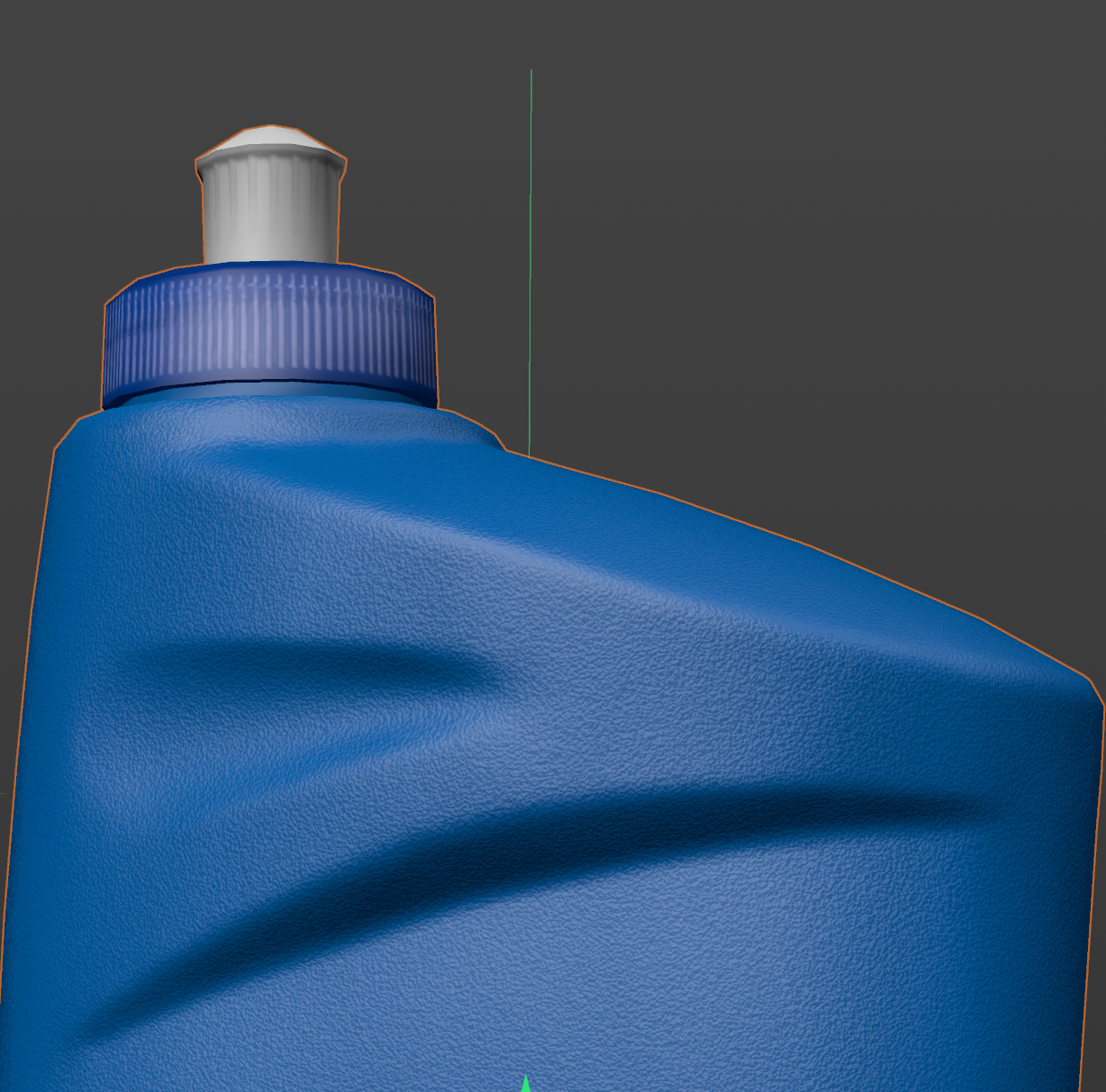
Adding normal maps to the asset pipeline allowed for more detailed models to interact with lighting while lowering our polygon targets.
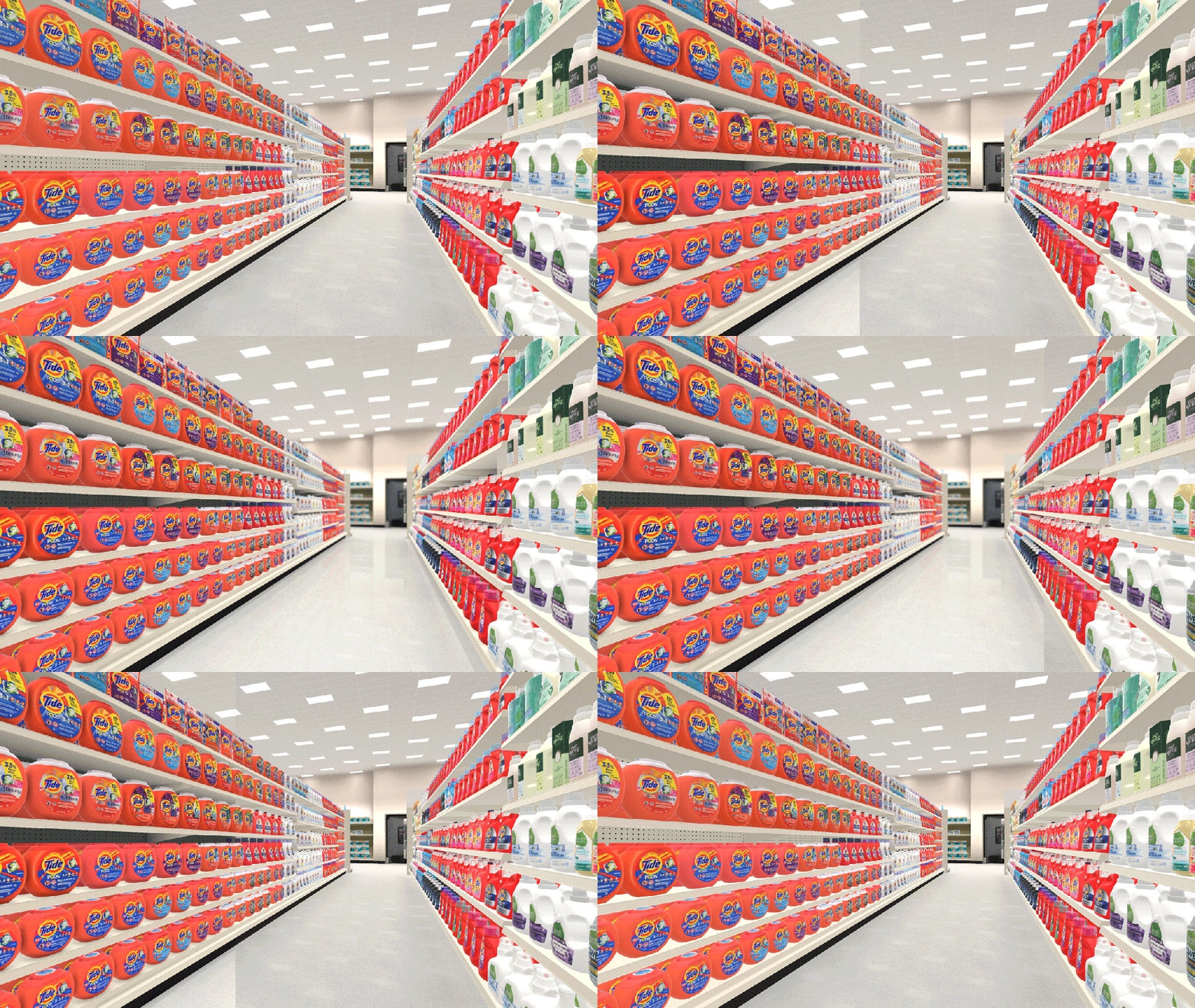
Depth Shading And Planar Reflections
In order to better approximate occlusion underneath a shelf, I wrote a post processing effect to add a depth based shadow to aisles. I also created a planar reflection effect to add a better sense of depth for the player.
 Evan Wehmeyer