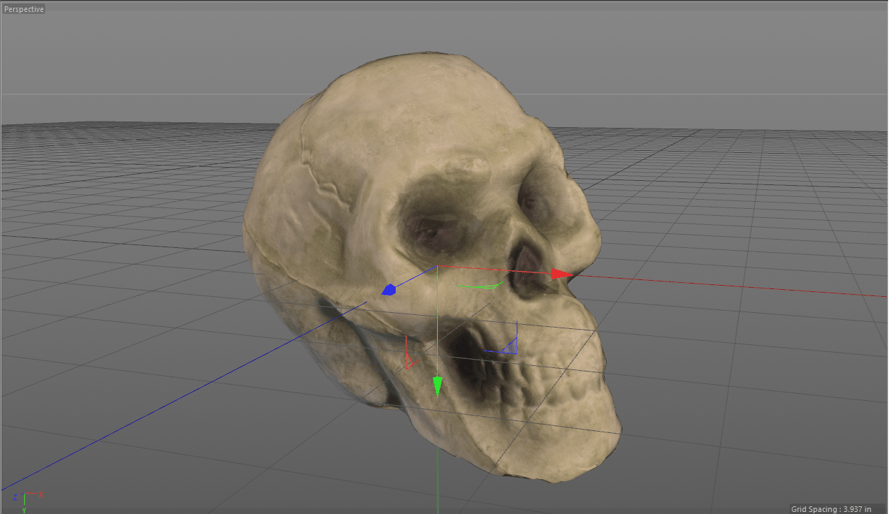
Photogrammetry has provided a new way to create complex, organic geometrical shapes with detailed texture maps. It is starting to be utilized within game development as it allows for a detailed texture to be placed on top of a low poly object. This allows for a more detailed image that can be rendered in real time. My goal in this project is to better understand the photogrammetry process and see where programs involved with the process could be further improved with to save time for artists and further automation.
Example Images:

Techniques:
Four different software programs were used to create my final project, looking at the use of photogrammetry in real time rendering. Meshroom, Cinema 4D, and Instant Meshes were used to create and texture the final model. Unity was used as the presenting real time rendering software.
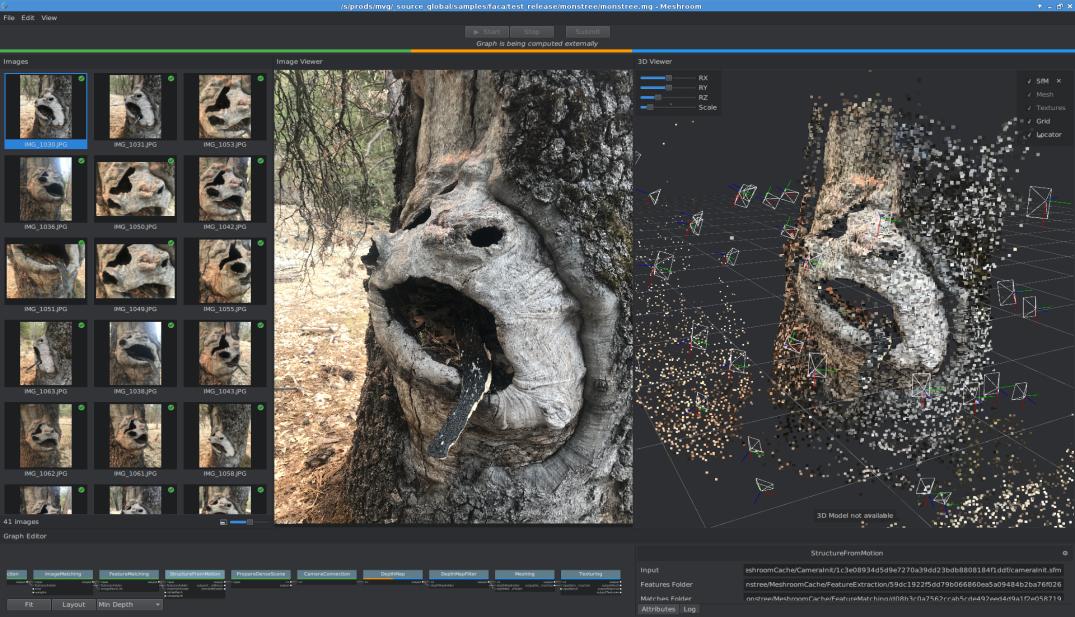
- Meshroom was used to create an initial model out of the 106 photos I took. I learned important facts about photogrammetry through this part of the process. I learned the requirements for good photos to the software and how to utilize the software for better results. The most important thing I learned was to take as many photos as possible at the same focal length with my camera from all around and to take photos from far away as a sort of “reference”. The software loved these to understand how features related to each other in space.
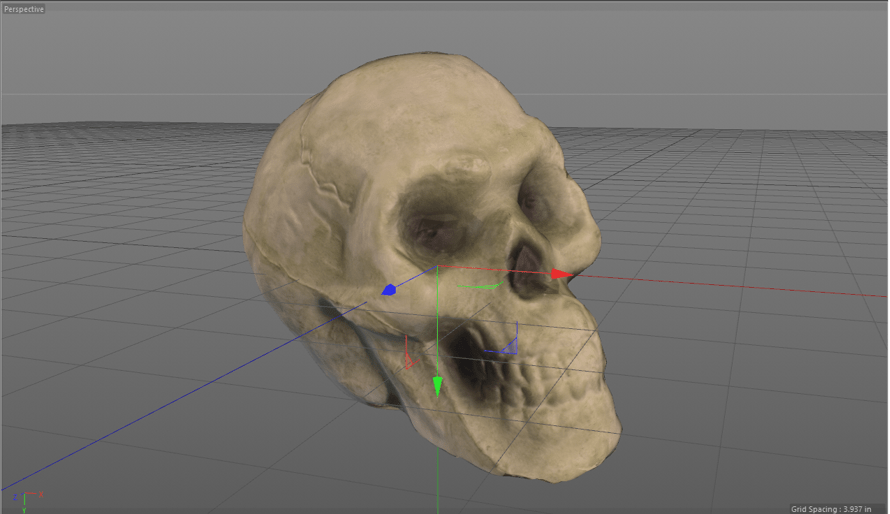
- Cinema 4D was used to smooth out the details on the initial model and to perform UV unwrapping on the new model and used to convert the texture from the initial model to the new model (this last part was done by placing a reflective material on the new model and baking the reflection of the old model, and its texture, onto the new model).
- Instant Meshes is a lesser known software and was used to create the new model. Specifically, it took the edited model from Cinema 4D and performed a retopology process in order to create a model that was better for UV unwrapping and had a much lower poly count. I was surprised with how well this software worked for being free and would highly recommend utilizing it. Instant Meshes can be downloaded here.
- Unity was used to create the final result and is required to view the project. I utilized Unity’s built in physics engine and Collider components. The project itself is rather simple. 8 skulls floating in the air will fall to the ground due to gravity and collide with each other, the backwall, and the floor. Hitting the “r” key will cause the skulls’ positions to reset and fall again.
Final Results:
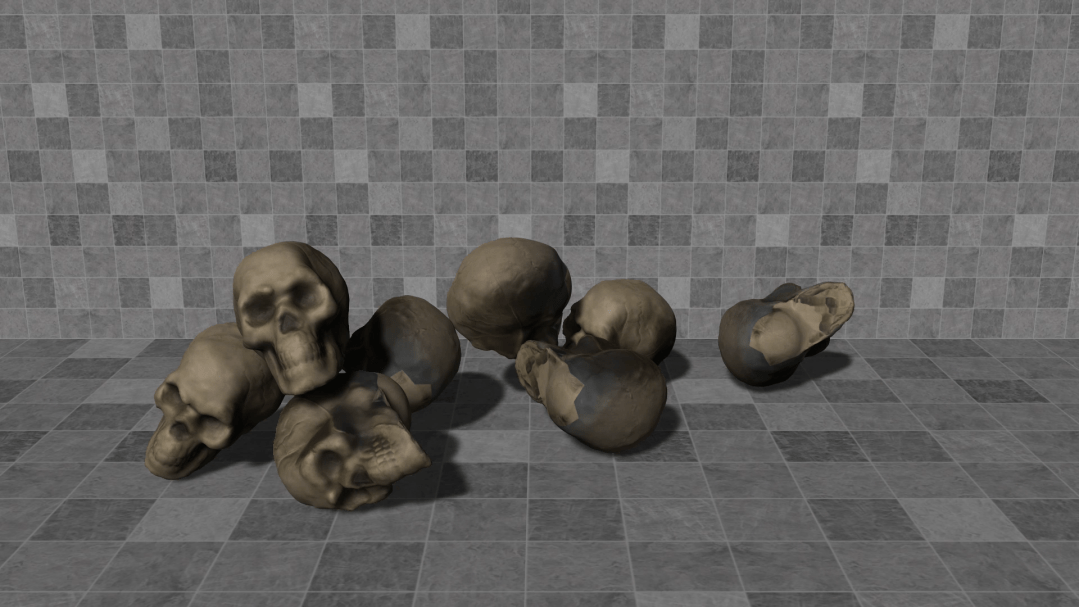
Below is the final video, rendered in Unity in real time.
 Evan Wehmeyer